Pick the kind of result you want instead of memorizing a workflow.
AI
Friendly Visual Studio
Made for everyday creators, not just video pros
Recipe Explainer
What this app helps you make, and what happens when you click.
This page explains the product plainly. Click a recipe, add your material, review the prompt if needed, and let the job render in the background while you continue somewhere else in the app.
Popular:
Upload, paste, or reuse something from your saved assets.
The render becomes a background job and the result comes back into your shelf.
Build product visuals
Create polished product shots, retro magazine ads, and clean object swaps from a few uploads.
Create motion pieces
Make logo animations, silk reveals, and car spins without learning pro video tools first.
Reuse everything
Good results are not dead ends. They become ingredients for the next effect automatically.
What You Can Click
Each card should explain the result before the user commits
 Friendly setup
scene-aifi-it
Bring a product into Assets, choose a background, and generate a composited marketing image.
Build a product shot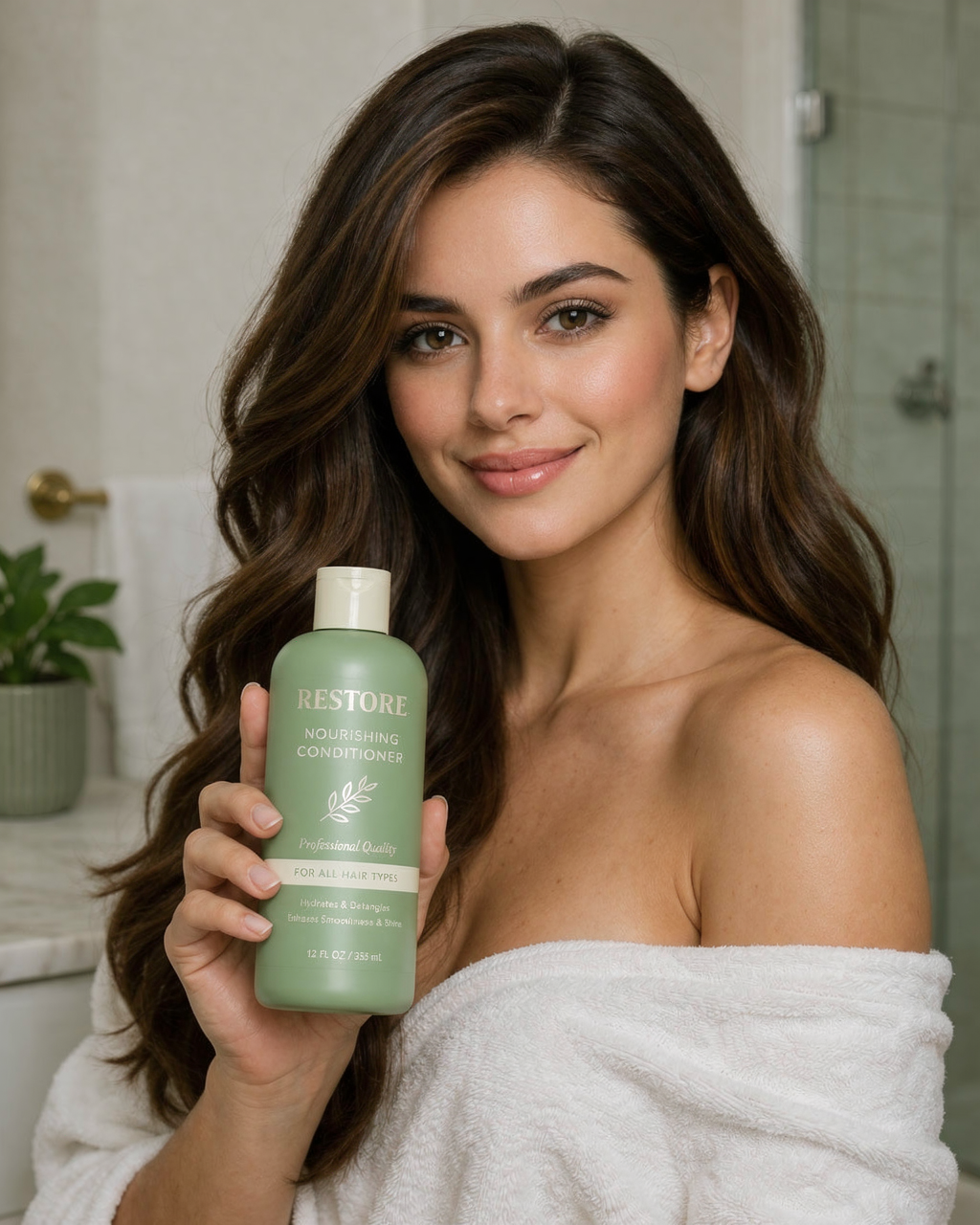 One clear change
swap-aifi-it
Bring a source image and destination scene into Assets, outline the relevant objects, and render the swap.
Swap one objectspin-aifi-it
Bring four car angles into Assets, convert them into matching studio stills, and build a 360 spin video.
Make a 360 spinchrome-aifi-it
Bring one logo into Assets, auto-generate the motion prompt, then tweak it before rendering the chrome animation.
Animate a chrome logo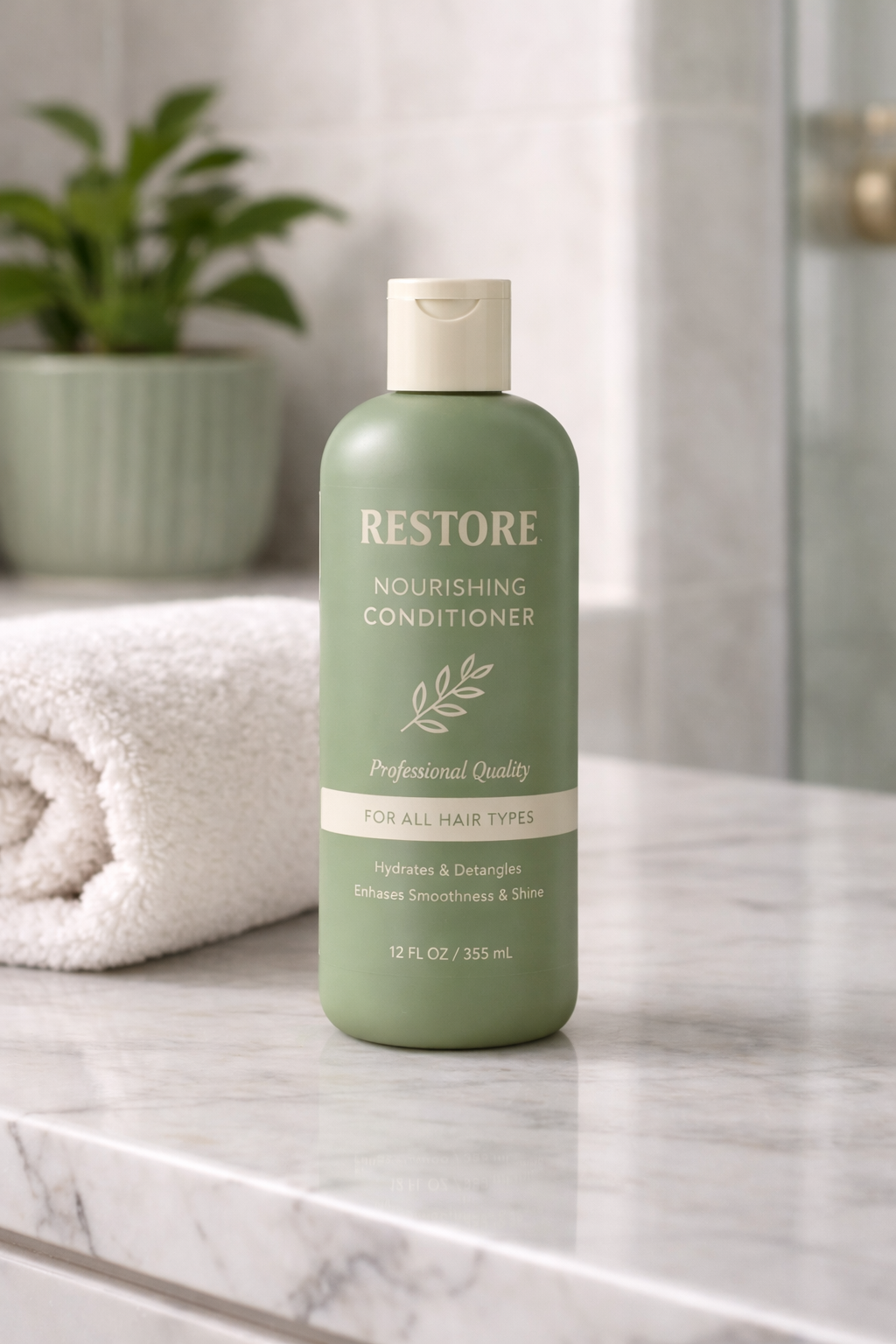 Copy + layout
print-aifi-it
Bring one product image into Assets, choose an era-style reference, then build the ad copy and render the layout.
Create a magazine adreveal-aifi-it
Bring one product into Assets, choose the silk and room colors, then render a luxury reveal video with the cloth sliding away.
Reveal a productstage-aifi-it
Bring one logo into Assets, choose a preset or custom texture, pick an industry theme, and generate a staged brand environment animation.
Stage a brand room Reference lighting
light-aifi-it
Bring a product or subject into Assets, choose a lighting reference, and let AI remove the original lighting and apply the new light style.
Re-light a productmatrix-aifi-it
Bring a logo into Assets and watch it transform into a Matrix-style green neon code animation — 3D extrusion, cascading code shafts, then a cinematic first-to-last-frame video.
Open workspacedunk-aifi-it
Bring any product or object into Assets and generate a cinematic water-dunk animation — 3D render, full underwater immersion, dramatic surface break, and a Kling first-to-last-frame video.
Open workspaceseason-aifi-it
Bring a product into Assets, choose a season, add your promo message, and generate a cinematic seasonal promotion video — nature grows into the scene and writes the text.
Open workspace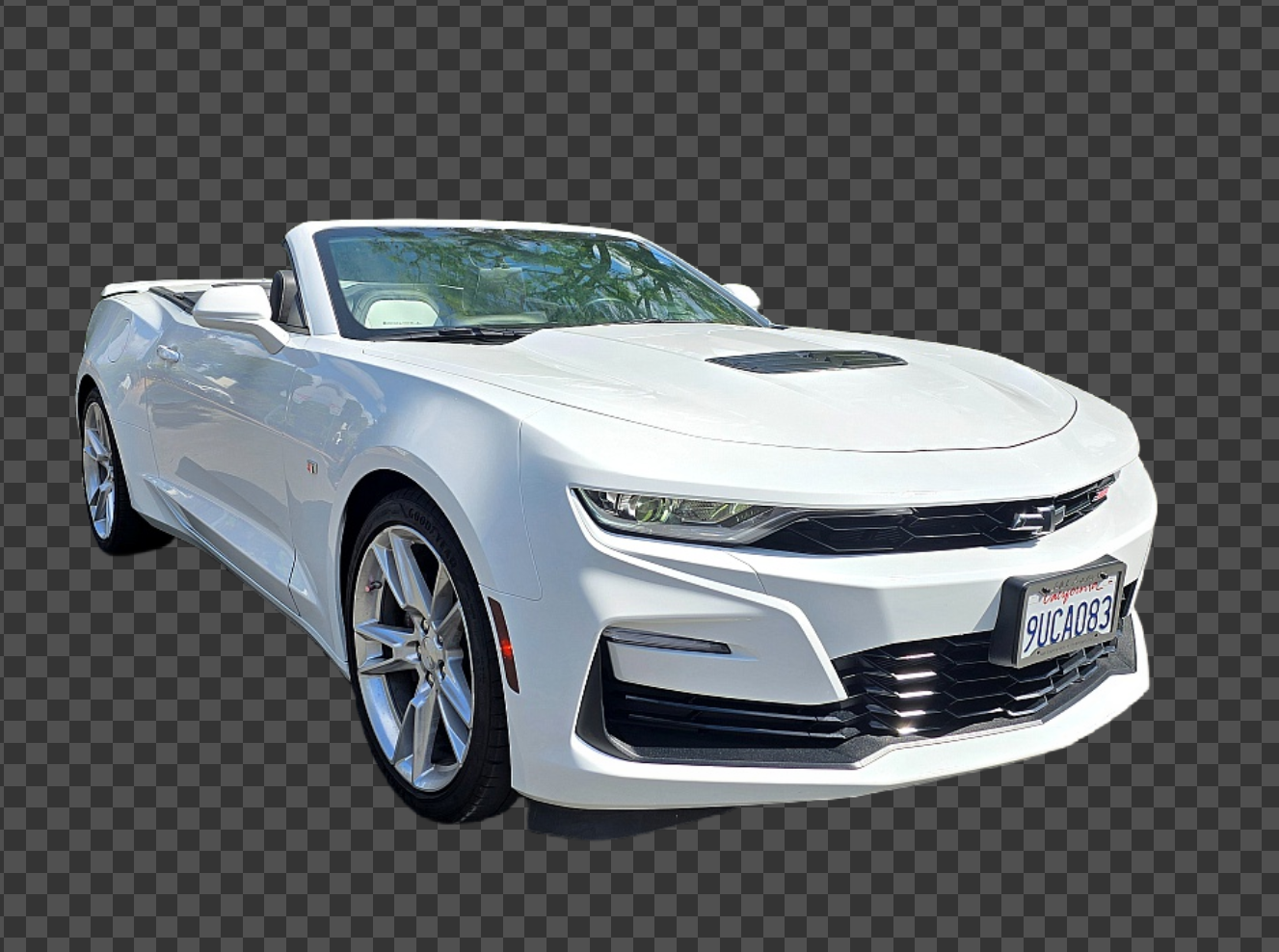 Simple flow
mask-aifi-it
Upload any image and get a clean transparent PNG back. AI detects the foreground subject and removes the background precisely — no settings, one click.
Open workspace Simple flow
composit-aifi-it
Bring a transparent PNG foreground and choose any background. AI adds depth-of-field bokeh and natural light wrap so the subject feels physically present in the scene.
Open workspaceHow It Feels
The shell stays put. Only the browser area changes.
Browser Area
CHROME-AI-FY quick mode
Current job
Another new job
Recent results
Friendly steps, solid frame
The center changes from one effect to another, but the user never loses their anchor: jobs remain visible, assets remain visible, and "open another job" is always one move away.
Important:
The intimidating part of pro tools is often the feeling that you disappeared into another page. This version avoids that.